Coming soon
macOS
DMG installer · macOS 14 or later
Unsigned for now, so macOS asks once. Steps below.
Free for macOS and Windows. No account, no license key, no catch.
LumenGrab is free, so the installers are not signed with paid certificates. Your system may ask for confirmation the first time. Here is what to click.
Open the DMG and drag LumenGrab to Applications.
Right-click the app, choose Open, then confirm.
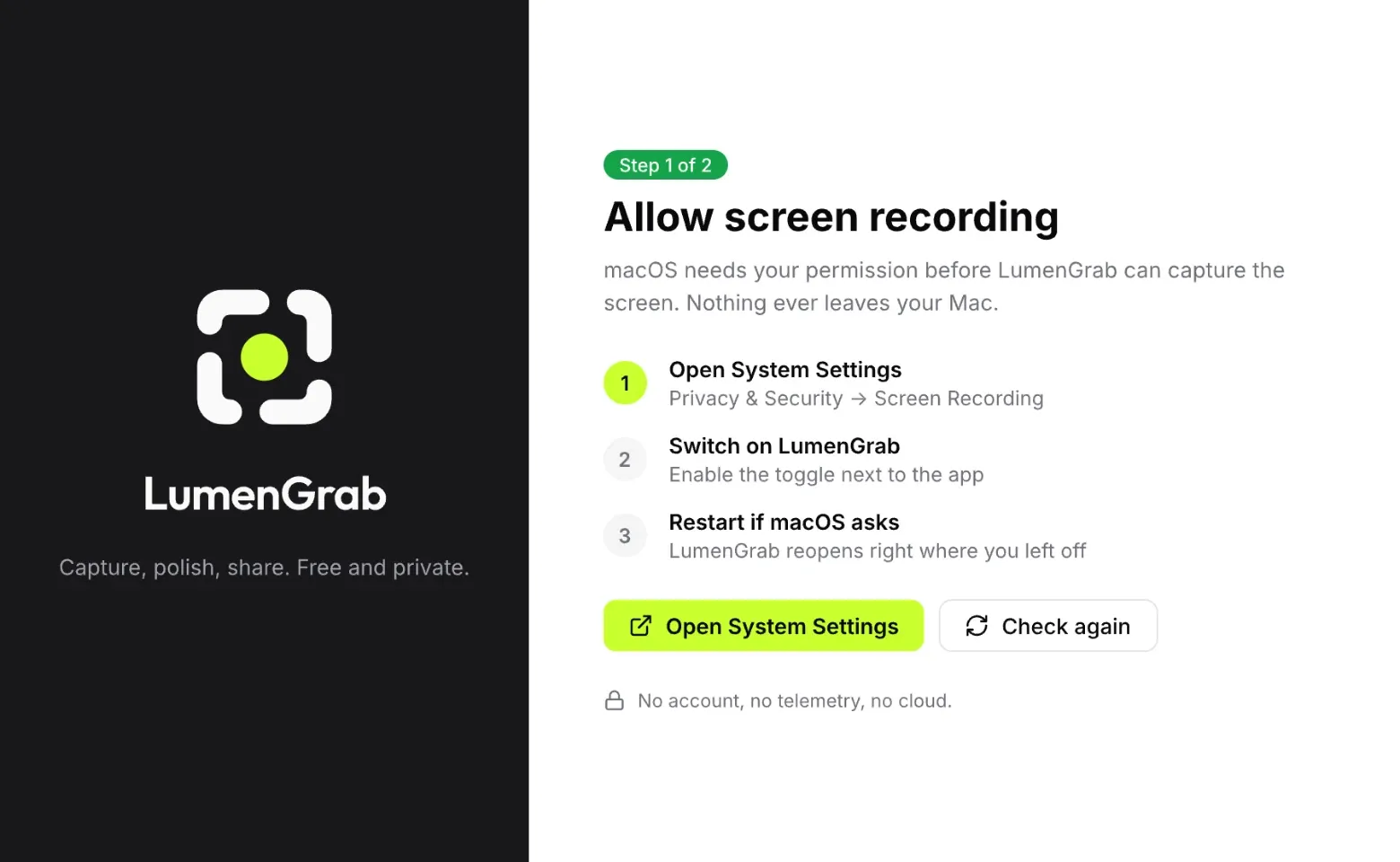
macOS asks for permission the first time you capture.
Double-click the EXE you downloaded.
If a warning appears, choose More info, then Run anyway.
Press your hotkey and drag over an area.
First-launch prompts depend on your system settings. Only use installers from the official LumenGrab releases.
New versions are published as GitHub Releases. That update check is the only thing LumenGrab does on its own.
No telemetry, no account, no uploads unless you set up your own target.
The code is public. Build it yourself for noncommercial use.
Still unsure? The code is public and the file format is documented.
Yes. No paid tiers, no license keys and no account. We host nothing, so there is nothing to bill you for.
No. Screenshots, recordings, editing and OCR stay on your device. Uploads only happen to destinations you configure yourself.
One editable project file that contains the original screenshot, edit instructions and a preview. Reopen it to continue editing. Share a flat image when you want redactions to be permanent.
The first installers are unsigned, so macOS or Windows may show a warning. Download only from the official LumenGrab releases.
LumenGrab is being built for macOS and Windows with the same capture, editing and sharing workflow. Platform requirements are listed in the repository.
The app is free for personal and noncommercial purposes. Commercial use is not permitted by the current terms. Read the terms of use and source license for details.